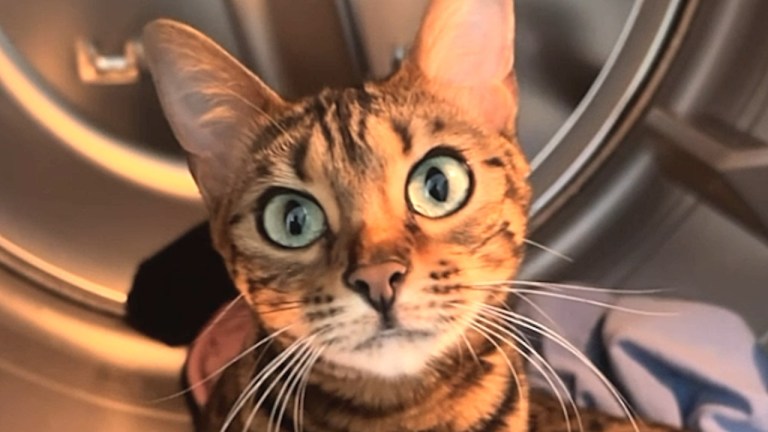
Tiger

by Scott Beale on April 29, 2005 · 0 comments

Tiger

Tiger, version 10.4 of Apple’s of Mac OS X, is out today. Thousands of geeks lined up at Apple stores around the country this morning to be among the first to get a copy.

One of the many new features is Safari’s RSS feed integration, giving you yet one more way to manage and read your feeds. For instance, now when you view laughingsquid.com with Safari on a Mac running Tiger, you’ll see a blue “RSS” icon in your browser’s url window. Just click on that icon and you’ll automatically be subscribed to the Laughing Squid feed. Firefox has had this feature for a while, but it sounds like Safari’s approach may be a little more advanced and easier to use.

Hey, I wonder if Siegfried & Roy will be ugrading to Tiger? At least they would be able to control this one a little better.

UPDATE 1: Niall shot some great photos of the Tiger launch at Apple’s flagship store in San Francisco.

UPDATE 2: Jonas has been doing an excellent job of keeping everyone informed on various Tiger update and compatibility issues. Tiger Vittles is another great upgrade resource, along with Daring Fireball: Tiger Details.

Here Are A Few Related Posts You Might Enjoy:

RSS Screen Saver

GAMA-GO Grand Opening Party For Brand New San Francisco Flagship Store

Standard Feed Icons

filed under Apple

Leave a Comment

You can use these HTML tags and attributes: <a href="" title=""> <abbr title=""> <acronym title=""> <b> <blockquote cite=""> <cite> <code> <del datetime=""> <em> <i> <q cite=""> <strike> <strong>

Moderation: All comments are manually approved, so if your comment is approved it may take a while for your comment to appear on this blog post.

Irrelevant, obnoxious, trolling, abusive and spam comments will not be approved. Let's keep things civil and on topic. Basically what we are saying, if your comment does not add to the conversation, it will not be approved.

Real Name & Website: For the most part do not post anonymous comments. Please list your real name and provide a link to your website, blog, Twitter account, etc. You know who we are, so we ask the same of you.

Corrections: If you want to point out a typo or correction, please email us instead. Typo or correction comments will not be approved since they are pretty much useless once they are corrected and then only tend to confuse things.

Gravatars: If you would like a Gravatar to show up with your comment? Just sign-up for an account and any comment with your email address will display your Gravatar.

Previous post: Albion Castle Update

Next post: Firefox 50 Million